For our final week of this assignment, I we was challenged to create a 2D animation in unity utilising a PSB file. Using bone rigging. we were tasked to created several animations for the character to be used by using the bones to create key frames of animation.
Before we were to do this however, we were to learn how to create fluid and convincing animation.
12 Priniciples of Animation
1 Squash and Stretch: The first and one of the most important principles is squash and stretch. This makes all objects malleable and almost elastic-like in properties. Objects are distorted to give a better sense of movement
2 Anticipation: This refers to frames proceeding the action in question, such as bending your knees before a jump. This highlights whats called the follow through action. The action which happens afterwards.
3 Staging: How you frame a scene is essentially another word for staging. This allows the animator to clearly show an action or place by what perspective they animate it from. Its much easier for the audience to read a ball being thrown from side angle than from the front
4 Straight ahead and pose to pose: These are two opposing ways to draw animation. These are drawing each frame sub sequentially and the first and last frames, then filling in the gaps respectively. one allows greater creativity and the other greater control.
5 Follow through and overlapping action: This refers to how the change in movement of one object can impact another, such as hair being influenced by a characters movement.
6 Ease in/out: These terms refers to how whilst an object may stop, the inertia of the object must still be displayed through some small movement after the object stops.
7 Arcs: These give a natural and smooth looking flow to objects, natural objects cannot have precise movement, therefore moving the object in an arc like a human elbow will make the object seem less robotic.
8 Secondary action: These are additions to the primary action to give it more character. Dusting yourself off after picking yourself back up would be an example of this as it gives the character more personality.
9 Timing: this boils down to fewer frames for faster objects, more for slower objects
10 Exaggeration: This includes distortion in facial expressions, Emphasised movements etc. This adds personality to the animation and can be done for comedic effect.
11 Solid Drawing: This refers to the quality of the drawing itself, making sure that the character is suitable for its environment, and can be visualised as an actual object, details must follow the contours and edges of a surface.
12 Appeal; This relates to the general appeal of the object on the public. a suitable art style as well as colours and balance of the piece help achieve this.
(1)
Implementation
After importing the provided file from the university. We began to create the rigging for the sprite within the sprite editor.
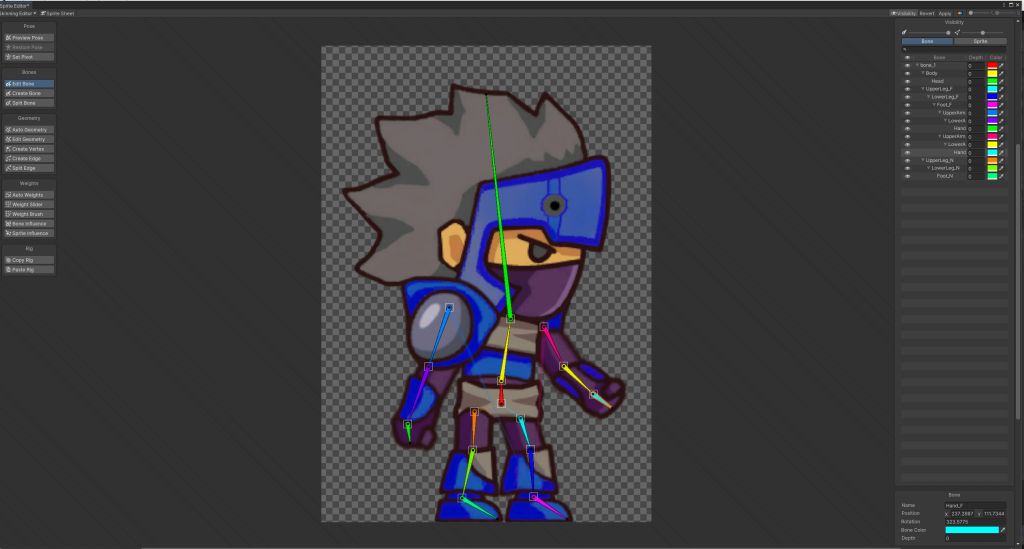
Opening the sprite editor we began by selecting the skinning editor and created a root bone for the sprite. This bone would connect all other bones within the sprite and anchor them to the centre (pelvis) of the sprite.
Following this we made bones for each limb, placing them along the arms and legs of the sprite and naming them with the naming convention we had put into place. (e.g. Hand_F). Using the split bone tool we also added extra detail to bones by splitting them into two.
Following this we added the weights to the bones so they may be controlled
Furthermore we checked the sprite influence of each bone by removing any sprites listed that the bone should not effect. this would minimise warping when animating.
Finally we then assigned components to this sprite. Inverse Kinematics component allowed us to create limbs that could be controlled for each part of the sprite.
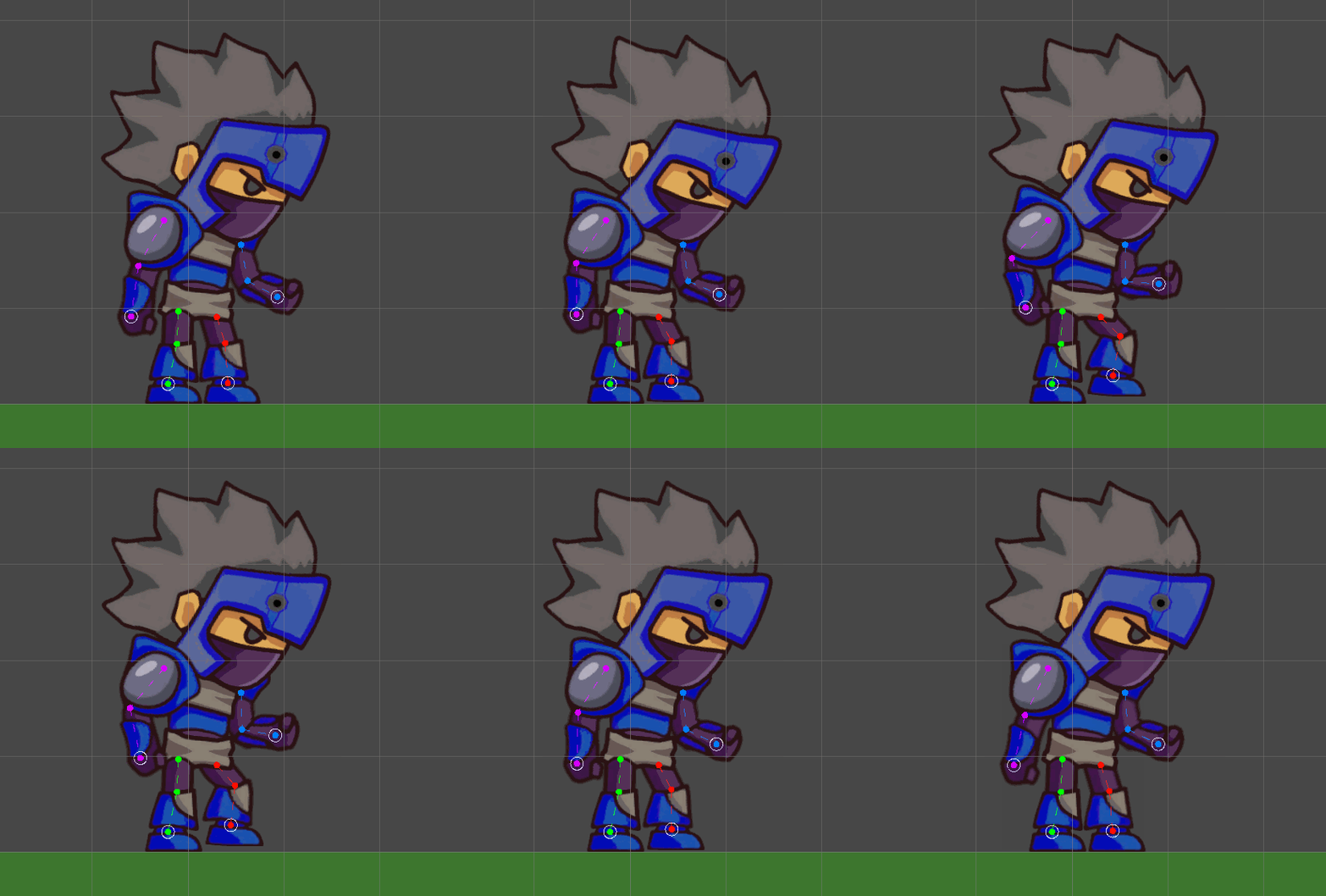
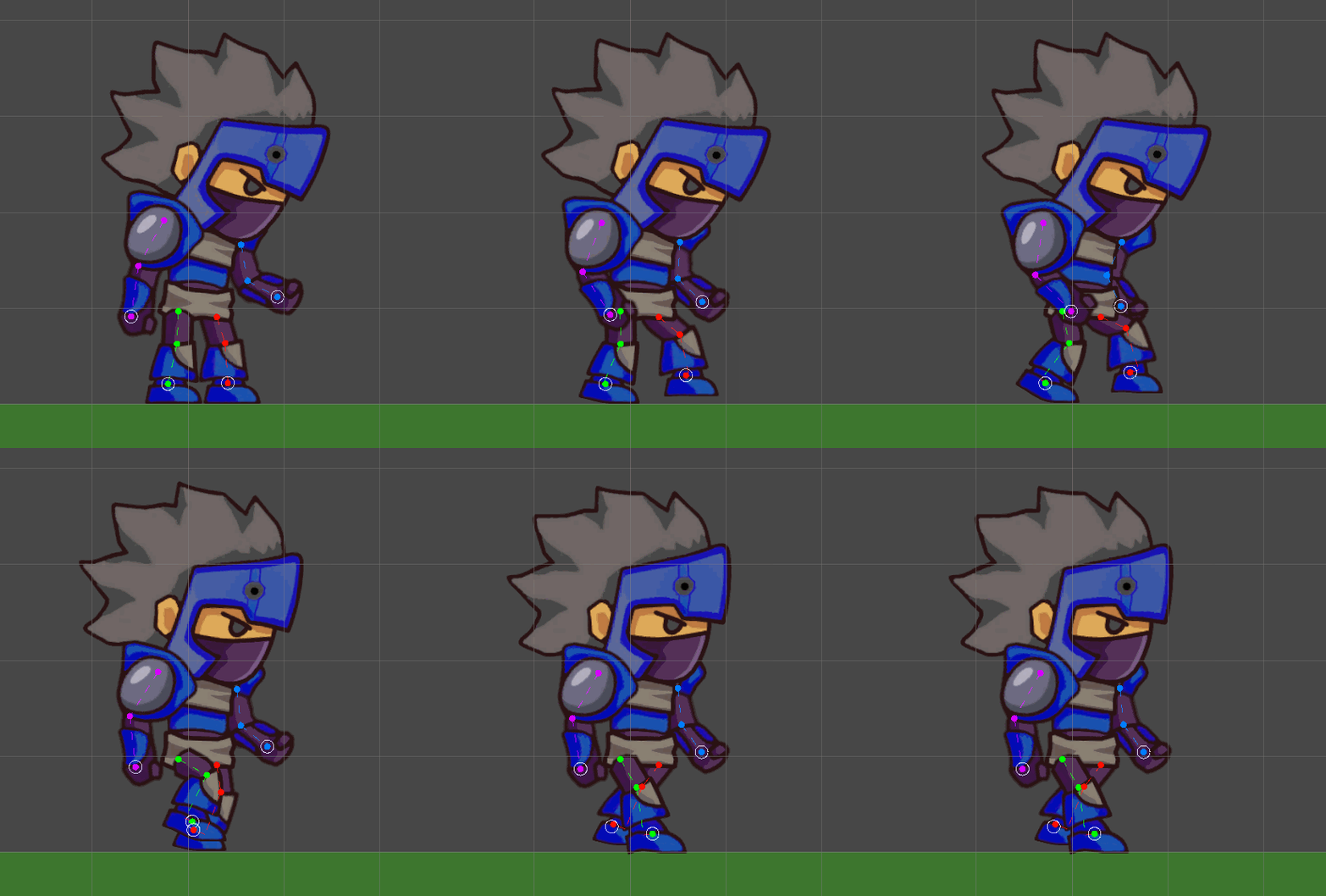
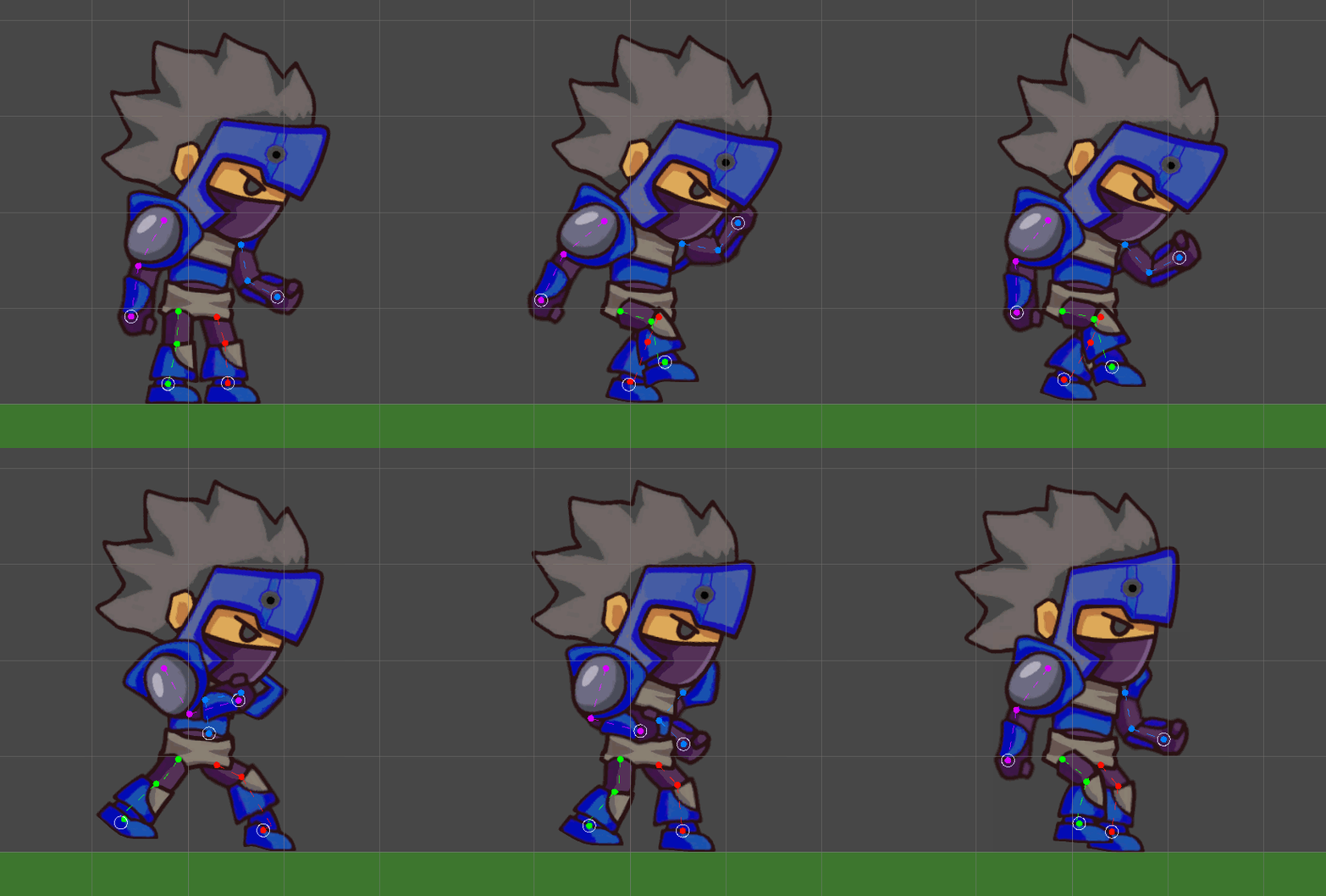
Then it was time to put this set up into action:
Evaluation
I attempted to take the primary concepts into my animations within the keyframes of my animation. However I definitely could improve this in future and create better loops.
However this feature is very beneficial as I can use this within future projects.
References
(1) Ritchie, J (2017) https://idearocketanimation.com/13721-12-principles-of-animation-gifs/